TPS
TPS is your all-in-one dashboard for having Claude Code or pi (experimental) work on many tasks across many projects at once. For each task you get an agent chat and a VS Code instance side-by-side, backed by its own lightweight sandbox container and repository.
What makes it good
Section titled “What makes it good”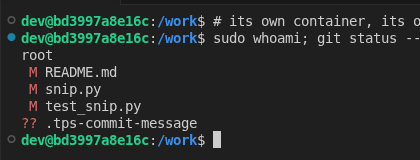 |
A sandbox per task. A hardlinked clone of your repository in a rootless podman container of its own. Agents cannot touch your checkout or each other, and a task that went wrong is deleted rather than cleaned up after. |
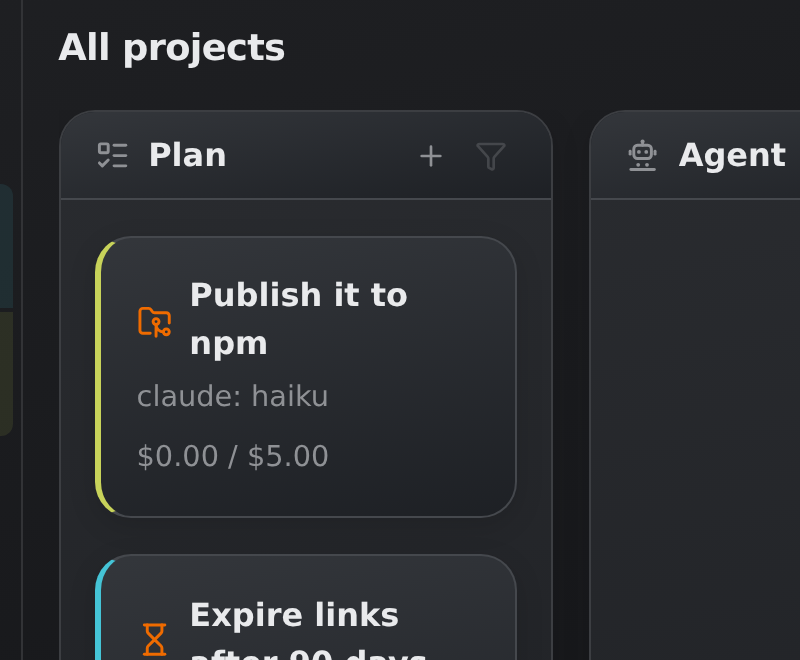 |
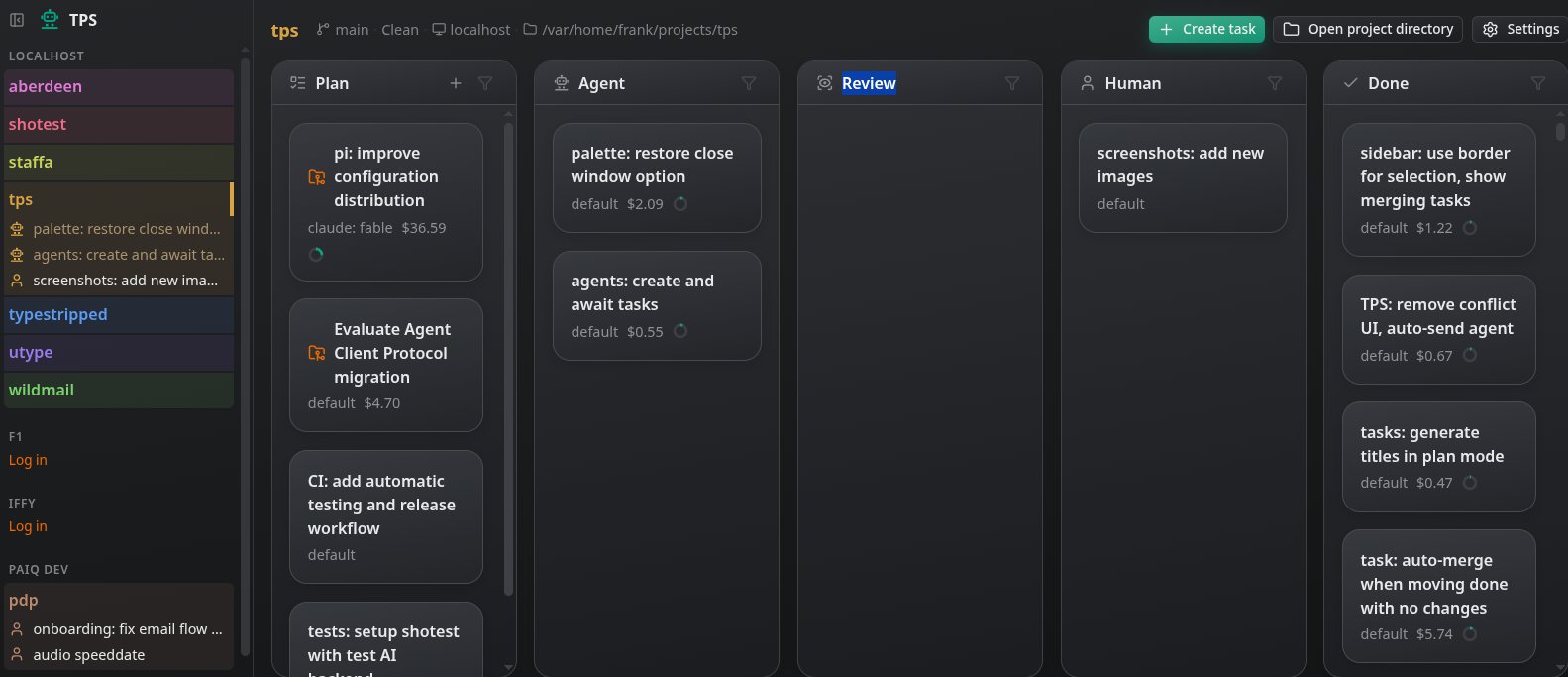
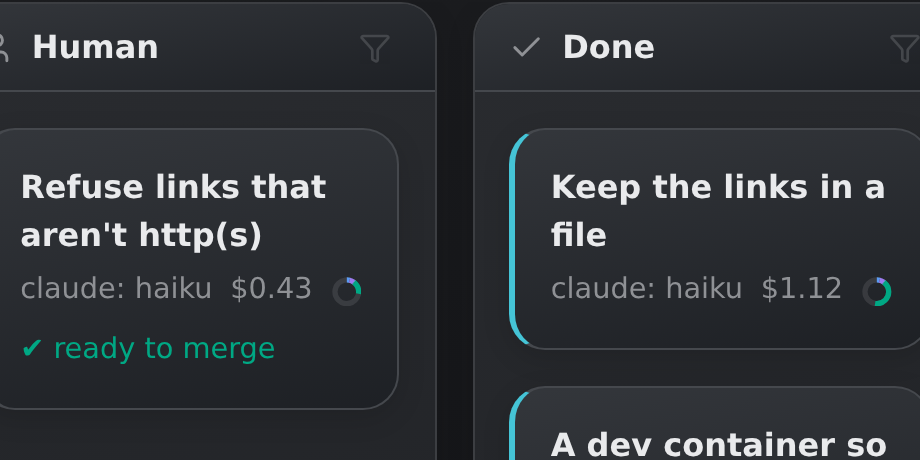
A Kanban board per project, and one for all of them. The tasks you’re planning, what agents are working on, what needs your attention and what is done, at a glance. |
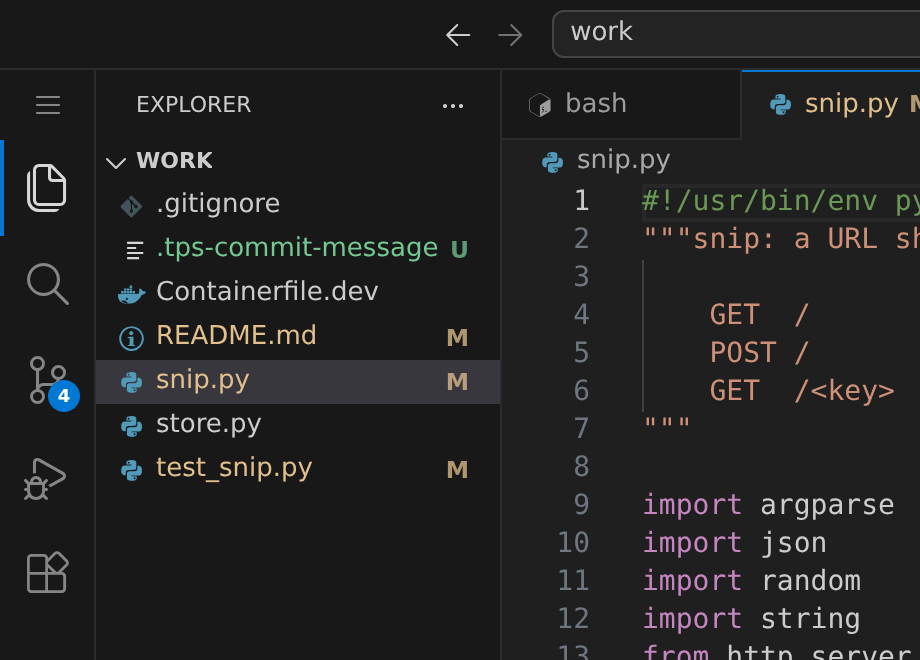 |
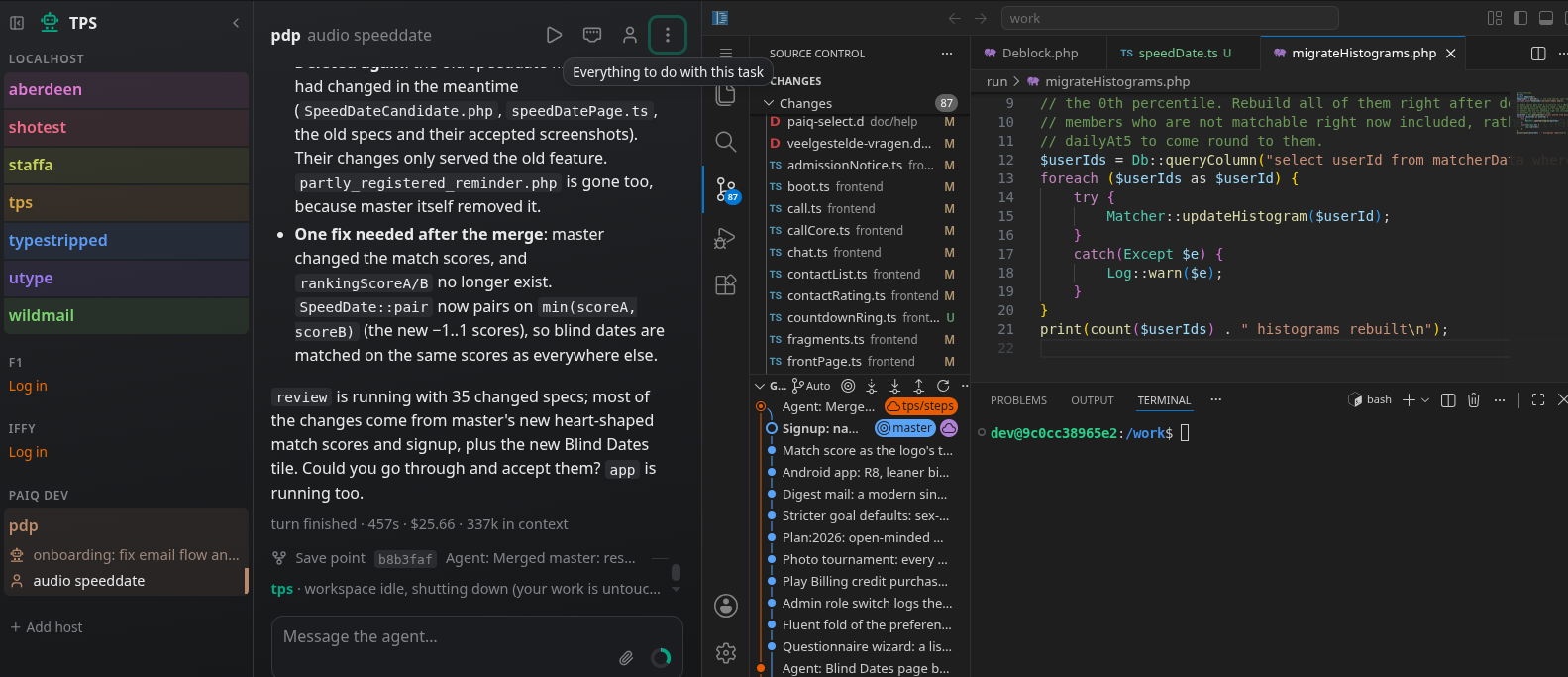
VS Code on every task. In the browser, running in the task’s container on the task’s files, with a terminal. Read what the agent did, fix a thing yourself, run the tests. |
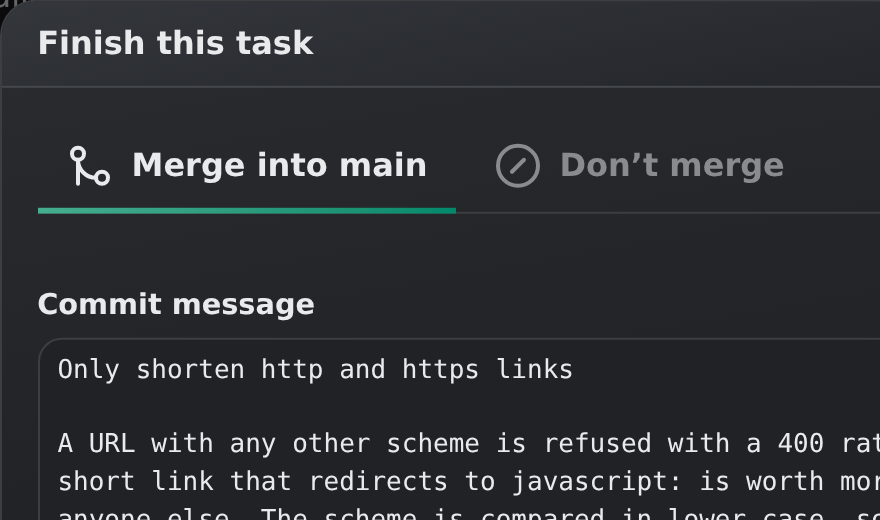 |
Merges that land themselves. A task becomes one squashed commit on top of the default branch, authored by you, with a message proposed by the agent. If the branch moved on, it is merged into the work first, and a conflict is handed to the task’s agent to resolve. Tasks can also be set to merge as soon as the agent is done. |
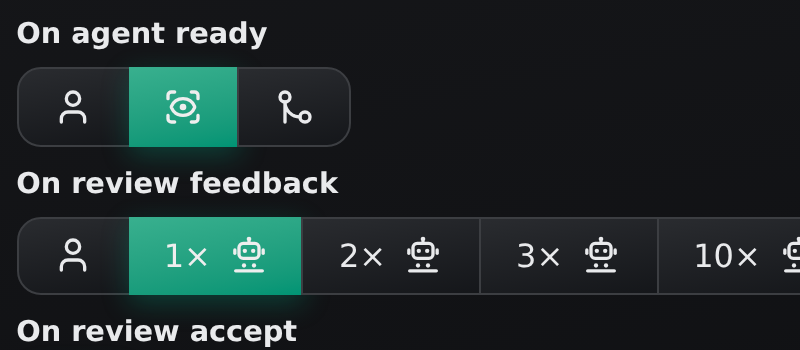 |
A second pair of eyes. Work the agent reports ready can be read over by a reviewing agent first: against what you actually asked for and code quality. It fixes the small and obvious itself, and otherwise lists what to change. The review can either be fed back to the implementing agent automatically, or left as review notes for you. |
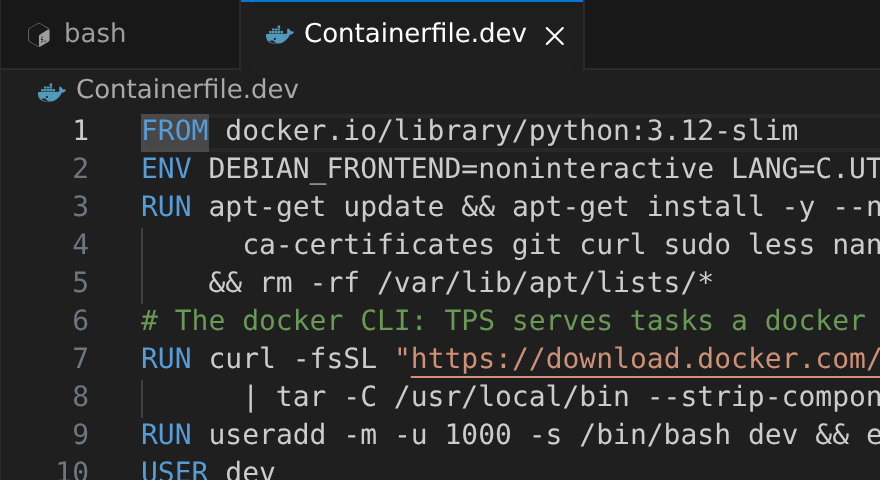 |
A project-specific environment. A |
|
Containers within. A Docker-compatible socket inside the sandbox, so tests
that need | |
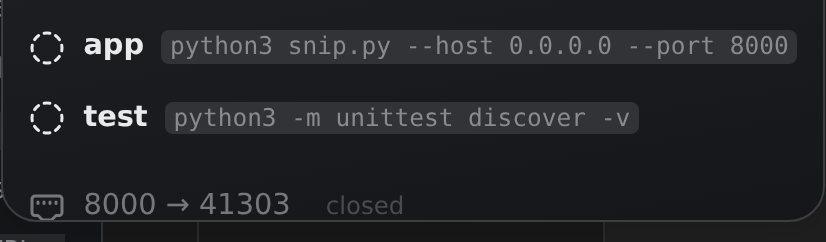 |
Services and ports. The dev server, the test suite, and whatever else the agent starts run as named services with their output kept, behind a play button. The ports the image exposes are forwarded to your browser, so one click opens the app the agent is working on. |
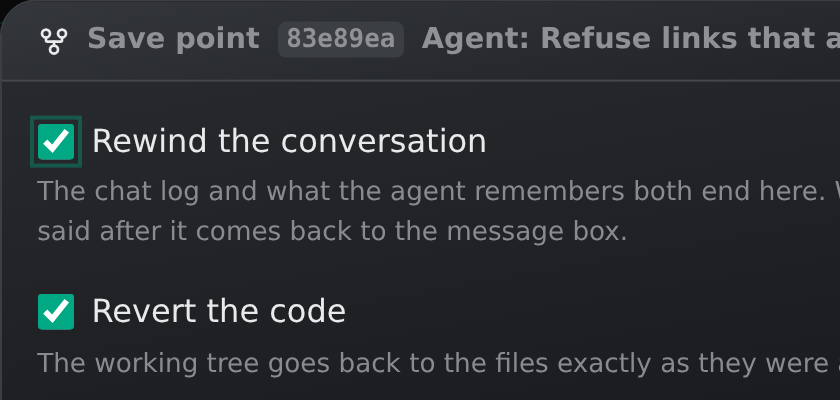 |
Revert and fork conversations. Every Kanban state transition creates a savepoint. You can reset a task or create a duplicate task at such savepoints, specifying if you’d like to reset the conversation, the code, or both. |
 |
Follow-ups. A done task is stored compactly, its workspace gone but its conversation kept: send it a message later and the agent picks it back up on top of the current code, knowing what it did the first time. |
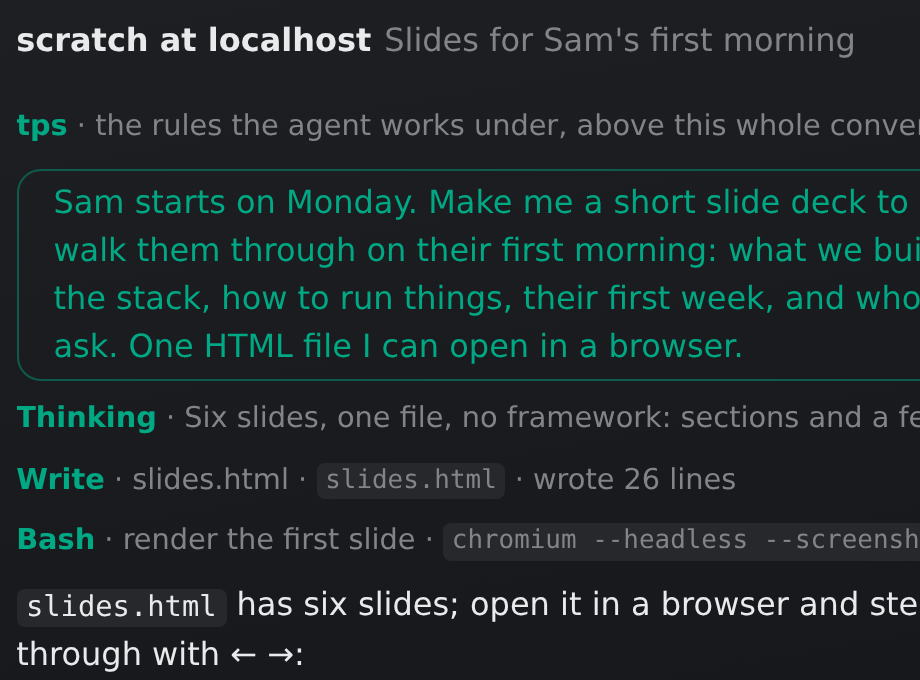 |
Scratch tasks. For a question, some research, a slide deck or an experiment that belongs to no project: scratch tasks are listed under their host, and start in an empty repository of their own. One that grows into something can be turned into a project, its work and conversation coming along. |
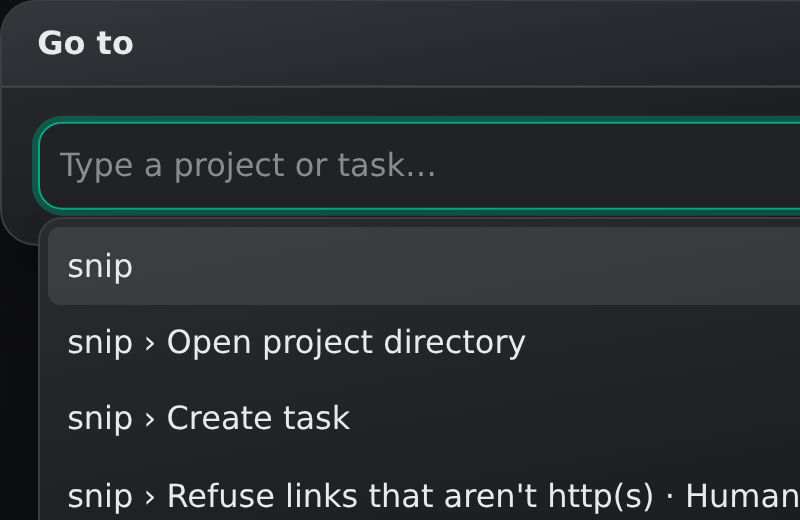 |
Many projects, one place. The sidebar lists your projects and their active tasks at a glance. Switch between them with a click or a few letters in the ctrl-L palette; each VS Code stays where you left it. |
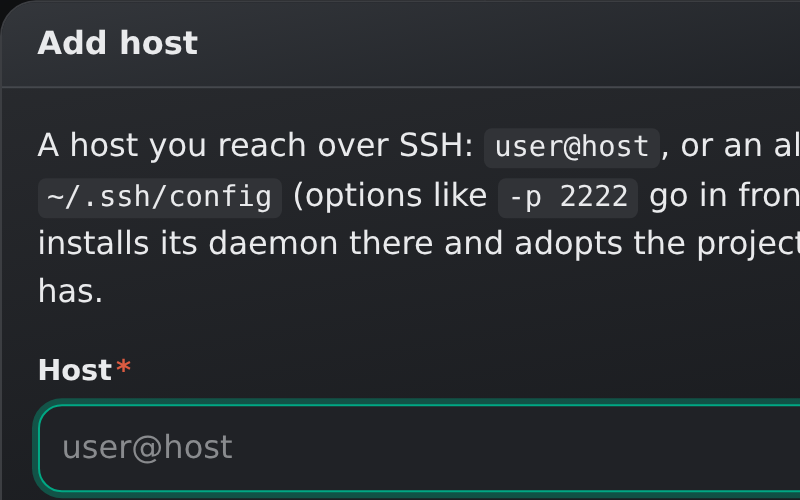 |
Any number of machines. Add a host by whatever you would type after |
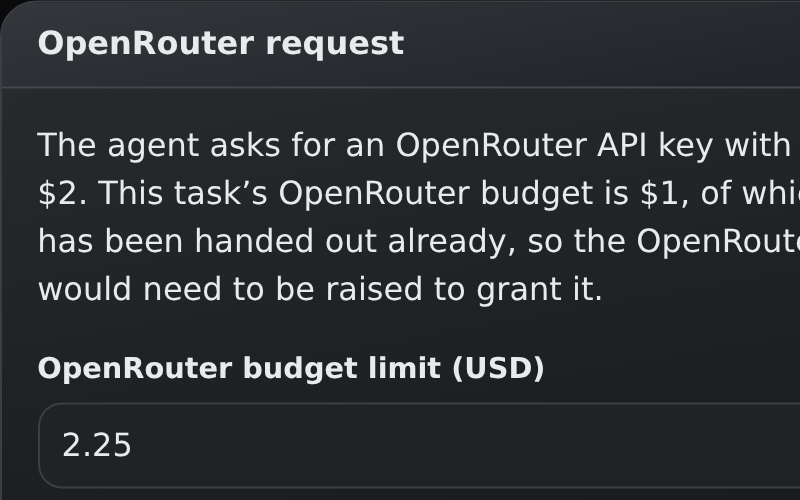 |
Image/audio/video model usage. Agents can ask for an OpenRouter key, within a budget you set per task, for image, audio and video work or for testing apps that call a model API. |
And of course TPS offers: mid-run steering, pasting screenshots and other files, a choice of model per task, cost tracking with a budget that parks a task when it is reached, context-window insight, manual compaction, opt-in desktop notifications, and keyboard shortcuts for the things you do all day.
Installing
Section titled “Installing”TPS runs on Linux, any distribution. Every machine that runs projects needs:
- podman, 4 or later, set up rootless (the distro package normally does that), and git;
- a login for the agent you run: for Claude Code, a host without one says
so under its name in the sidebar, and its page signs you in through your
browser, here, and hands the login to that host. Every host gets one of its
own this way, over SSH as much as here, and keeps it in
~/.local/share/tps/claude, shared by all of its tasks;ANTHROPIC_API_KEYin the environment does instead. For pi, it is the~/.pi/agentyou log in with on that host, mounted into every task of its own. No CLI is needed anywhere: TPS brings both.
A host over SSH works best with lingering on for your user (loginctl enable-linger): its daemon and containers then carry on with the work they
have while your laptop sleeps and the connection is gone. TPS points it out
when it is off.
Download a release into a bin directory of your own and start it:
mkdir -p ~/.local/bincurl -fsSL -o ~/.local/bin/tps https://github.com/vanviegen/tps/releases/latest/download/tps-linux-$(uname -m)chmod +x ~/.local/bin/tps~/.local/bin/tps --autostart--autostart writes a desktop autostart entry, so TPS starts at every login
without opening a browser, and then runs like plain tps does: the dashboard
opens at http://localhost:4820/. Most distributions put ~/.local/bin on
your PATH already. Updating is the same curl.
Use it as an app
Section titled “Use it as an app”The recommended way to use TPS is to install the dashboard as an app: in Chrome, Edge, Brave or another Chromium browser, click Install in the address bar. TPS gets a window and an icon of its own, and F11 makes it fullscreen and capture all VS Code keys (like ctrl-w). With the chat, VS Code, the terminal and the running app all in there, you will hardly need to leave it during your day.
Building from source
Section titled “Building from source”With Go 1.27 and Node:
npm install && npm run build # bundles the web UI into web/distCGO_ENABLED=0 go build -o tps . # embeds it into one static binaryOr, without installing either, in the project’s own dev image:
podman build -t tps-dev -f Containerfile.dev . && podman run --rm --userns=keep-id:uid=1000,gid=1000 -v "$PWD:/work:z" tps-dev sh -c 'npm install && npm run build && CGO_ENABLED=0 go build -o tps .'./dev.sh rebuilds and restarts on every change, and go test ./... runs the
tests. Pushing a v* tag has GitHub Actions build the release binaries.
demo/seed.sh fills a home directory with two small projects and a board’s
worth of tasks around them, to have something to click through: a merged task
whose commit is in the log, one waiting to be merged with its work in a
workspace, a plan waiting on another plan, a parked one, a closed one, one
asking for OpenRouter budget, and a scratch task. The
project’s own dev container runs it before starting TPS, so the task’s play
button gives a dashboard with a board on it; TPS_DEMO_HOME points it at a
directory of its own. On a freshly seeded demo, node doc/screenshots.mjs
retakes the screenshots of the features above.